



Lugo Studio
Browser-based bot development — no desktop install required. Open Docker, use your browser, and start coding.
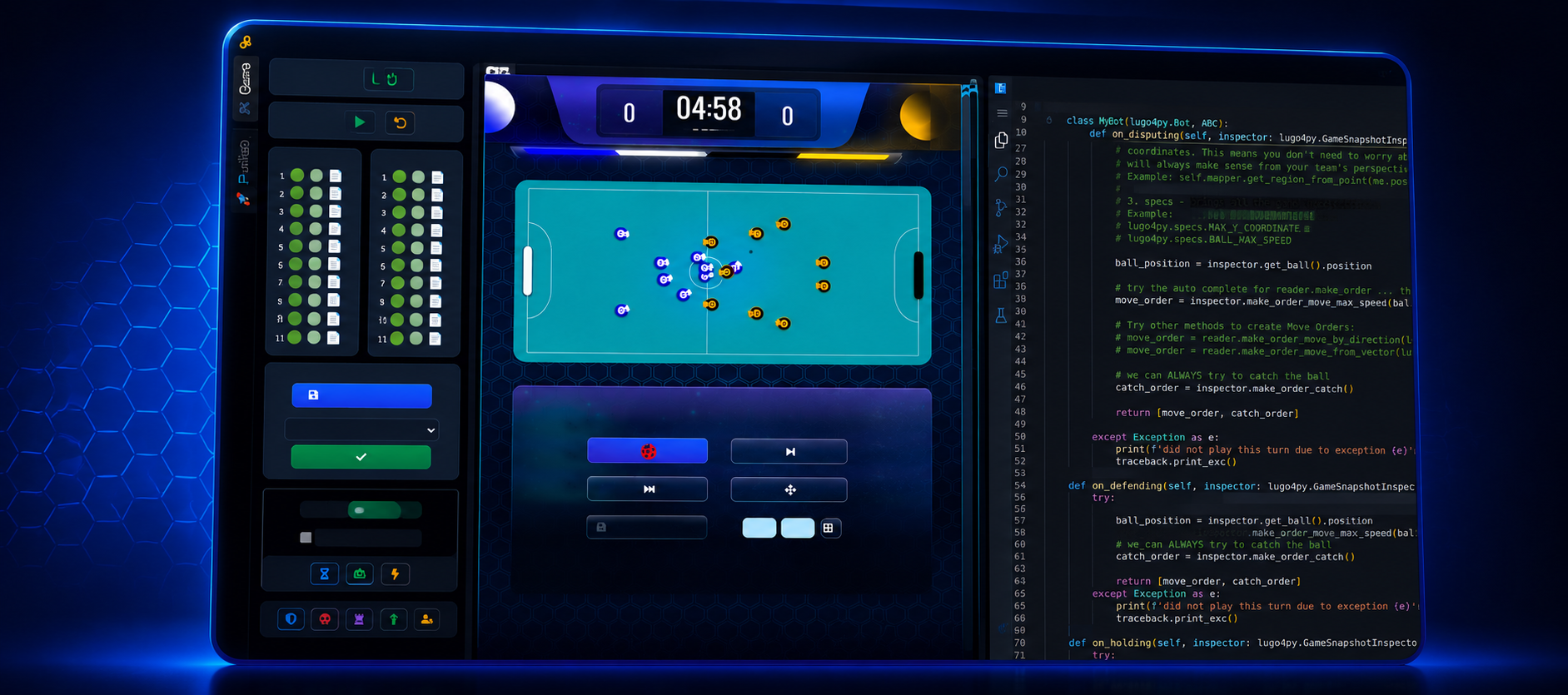
Lugo Studio V2 is in beta
This version may be unstable while we refine the experience. If you find bugs during a tournament, report them — you may earn perks on the platform.

Windows: slower performance and known issues
Lugo Studio V2 runs noticeably slower on Windows than on Linux or macOS. Some bugs that were already fixed on other platforms have not been addressed on Windows yet.
For the smoothest experience, we recommend Linux or WSL2. If you stay on native Windows, expect longer load times and occasional rough edges while we catch up.
Browser-first development
No desktop app to install. Start Docker, open the URL in your browser, and you are ready to develop. A lighter path than the classic Lugo Studio desktop flow.
All-in-one container
Bots and game server run together in a single container — simpler and lighter than the multi-service setup used in manual development.
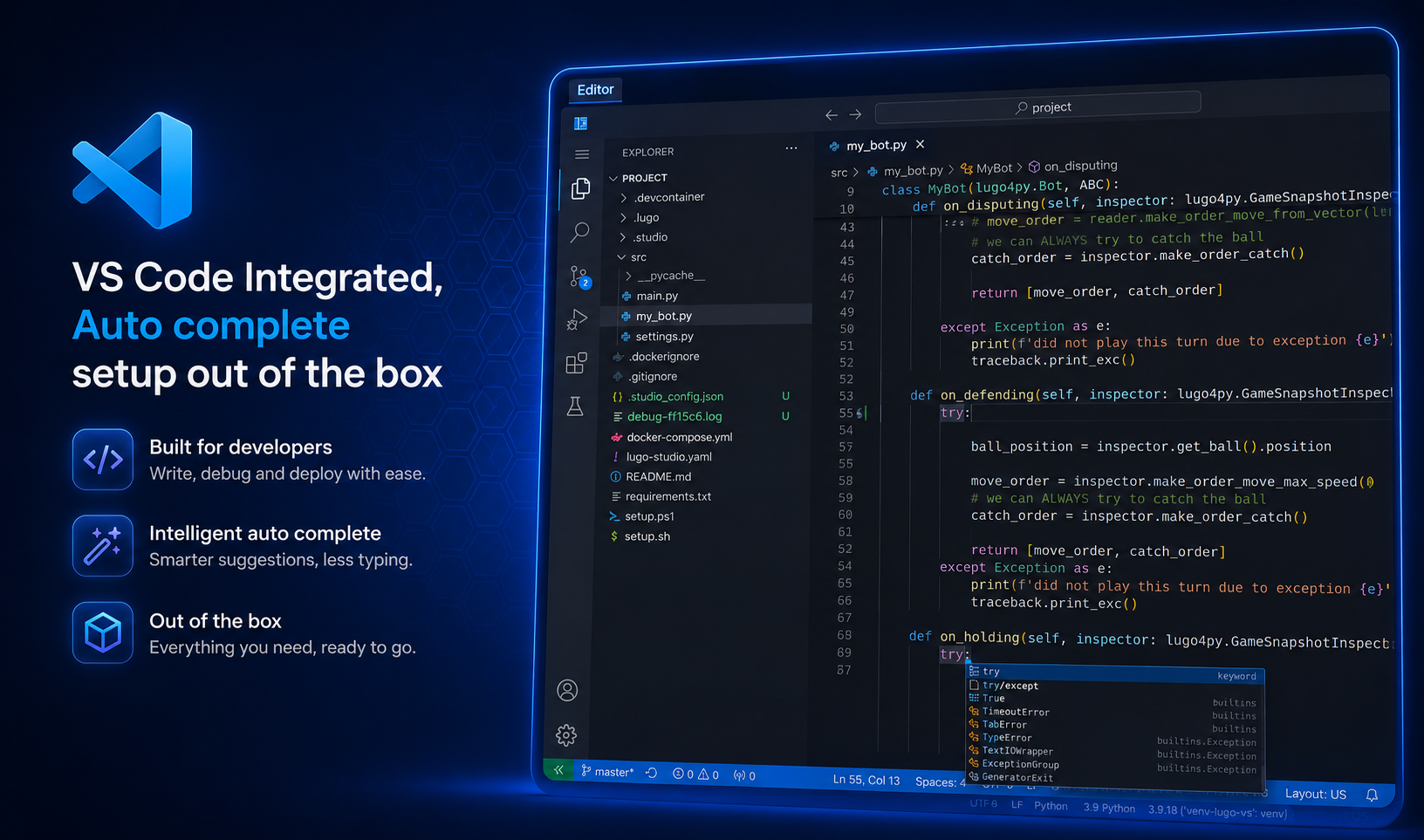
VS Code built in
Dependencies and virtual environments for Python and other languages are set up automatically. Autocomplete for the Lugo SDK works out of the box.
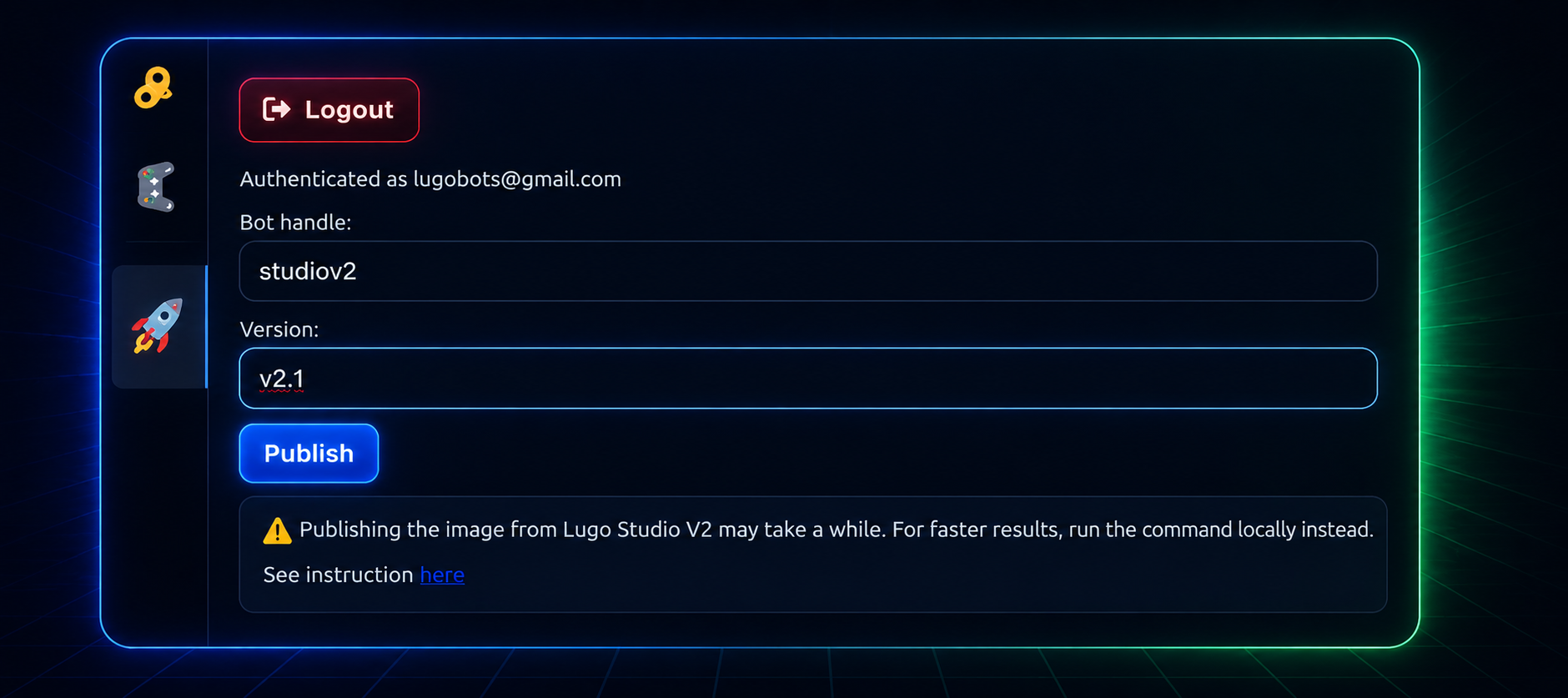
Build and publish
One-click path to publish your bot to the Lugo Bots platform — no manual Docker build and push commands.
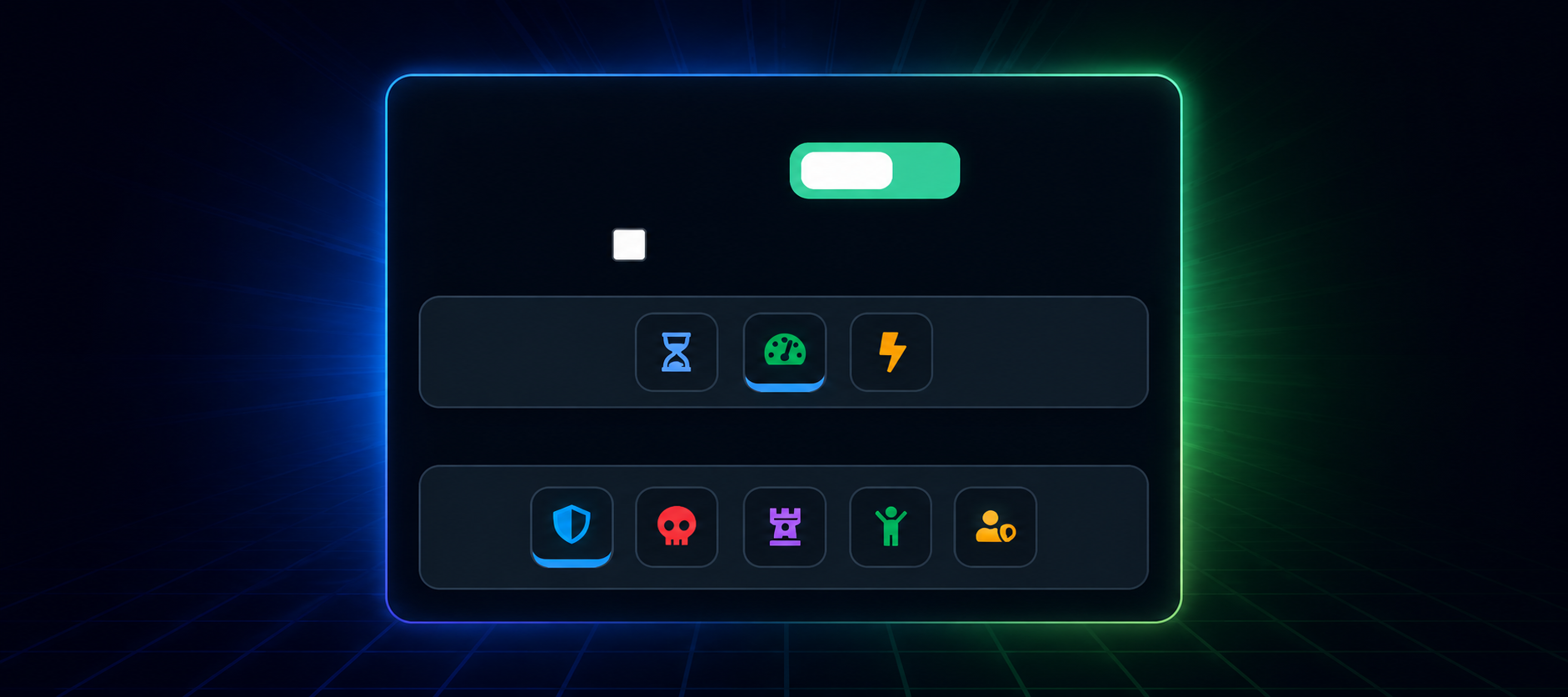
Match controls
Shortcuts to stop and restart matches during practice. Choose opponent playing styles — stationary, defensive, aggressive, and more — for richer training sessions.
Get started with Lugo Studio V2
- Download lugo-studio.yaml into an empty directory, or a directory that already contains your bot.
-
Run the following command in that directory:
docker compose -f lugo-studio.yaml up
- Open the URL shown in the terminal and follow the on-screen setup.
Looking for the desktop IDE or a manual Docker setup? See all options on How to play